Starlink Piso WiFi 10.0.0.1: Login, Pause Time, and Setup Guide
Using a piso wifi hotspot powered by Starlink? The first thing to understand is that you are dealing with two separate systems, not one product. Starlink provides the internet connection. The piso wifi platform, whether that is AdoPiSoft, JuanFi, LPB, or another system, handles the paid login, the session timer, the pause button, and the coin acceptor. Most of the problems people bring to Google about 10.0.0.1 starlink piso wifi are actually hotspot platform problems, not Starlink problems.
This page separates what belongs to each layer, answers the customer questions first, then covers the operator decisions about cost, setup, and which plan you can legally use for resale.
What Is Starlink Piso WiFi?
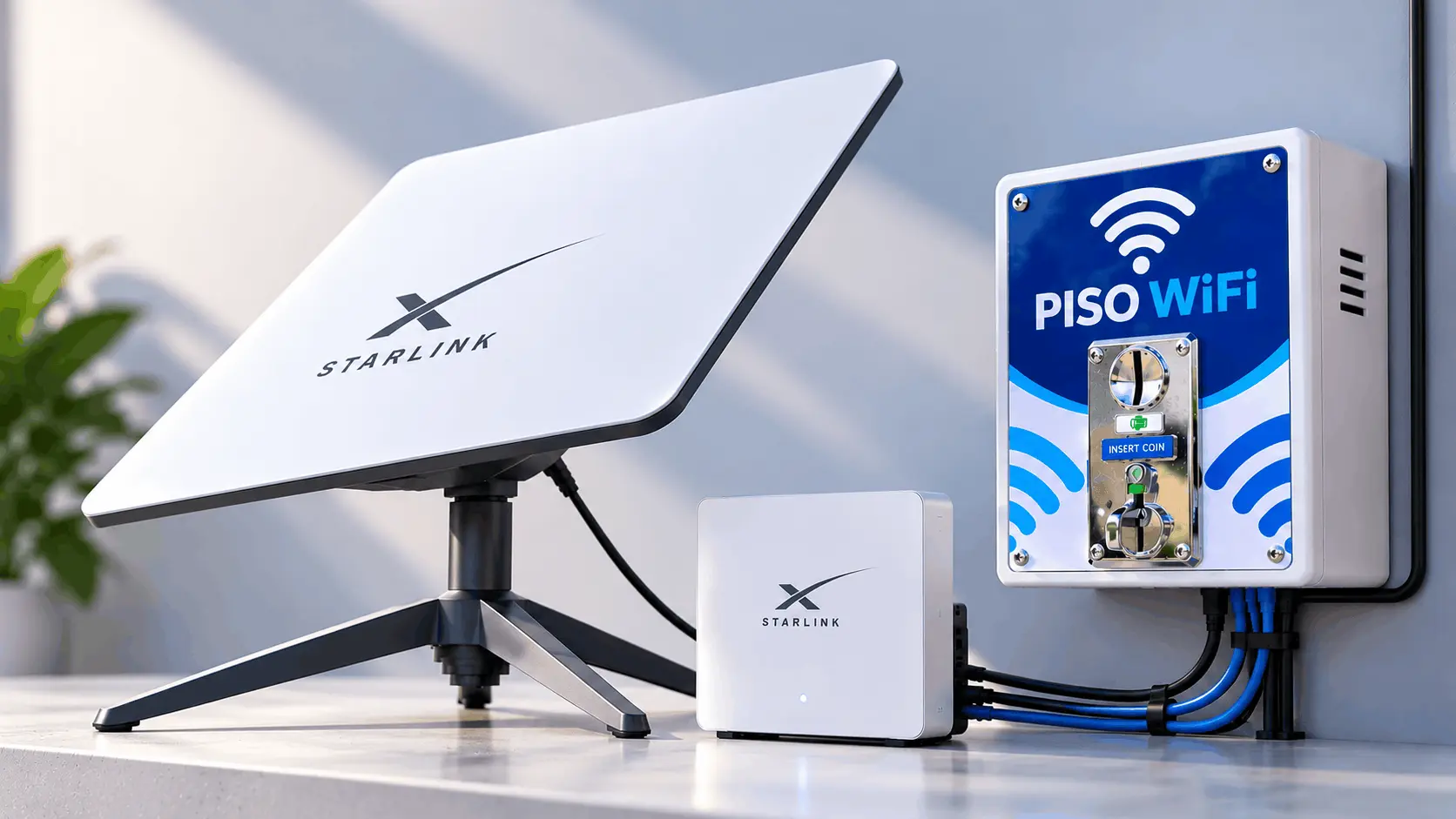
Starlink piso wifi is not an official Starlink product. It is a deployment where an operator uses a Starlink dish as the internet source and connects it to a separate piso wifi machine that handles coin payment and session management. Three layers work together and each one controls something different.
| Layer | What it controls | Who configures it |
| Starlink connection | Internet access, signal quality, data limits | Starlink app (operator’s account) |
| Hotspot platform | Paid sessions, timer, pause button, coin acceptor | Firmware admin panel (AdoPiSoft, JuanFi, LPB) |
| Customer portal | Login page, session balance display | Hotspot platform, not Starlink |
This matters because the answer to most customer problems depends on which layer is failing. A missing pause button is a hotspot platform setting. No internet after paying is either a portal issue or a Starlink connectivity issue. A slow connection after paying is a Starlink capacity or plan issue. Treating all of these as one problem wastes time.
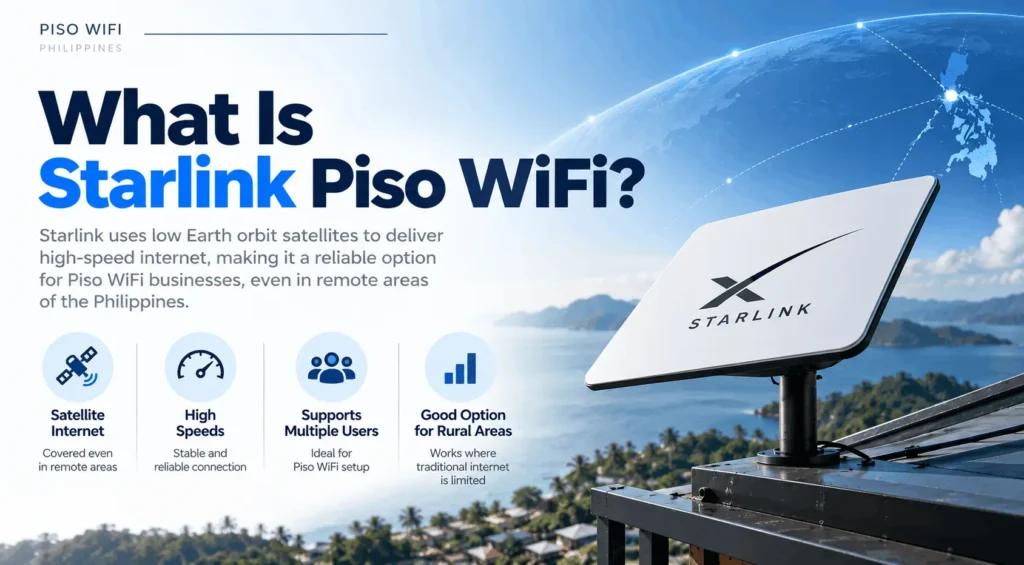
Government satellite projects through the DICT provide free public access in select areas and are separate from private piso wifi businesses.
Starlink Piso WiFi vs Regular Piso WiFi
Regular Piso WiFi uses a terrestrial internet connection, such as fiber or mobile broadband. Starlink Piso WiFi uses satellite internet. Both can use the same type of Piso WiFi vending machine and hotspot software; the main difference is how the internet reaches the location.
|
Factor |
Regular Piso WiFi |
Starlink Piso WiFi |
|---|---|---|
|
Internet source |
Fiber or mobile broadband |
Starlink satellite |
|
Where it works |
Where fiber or mobile broadband is available |
Where no terrestrial connection reaches |
|
Speed |
Fiber can outperform Starlink on latency |
Varies by location, plan, and satellite capacity |
|
Weather sensitivity |
Not affected |
Rain fade and typhoon damage are real risks |
|
Login and pause time |
Controlled by the hotspot platform |
Same. Starlink does not control login or pause time |
|
Commercial use |
Verify provider terms |
Residential plan prohibited. Priority plan required |
Starlink Piso WiFi Login
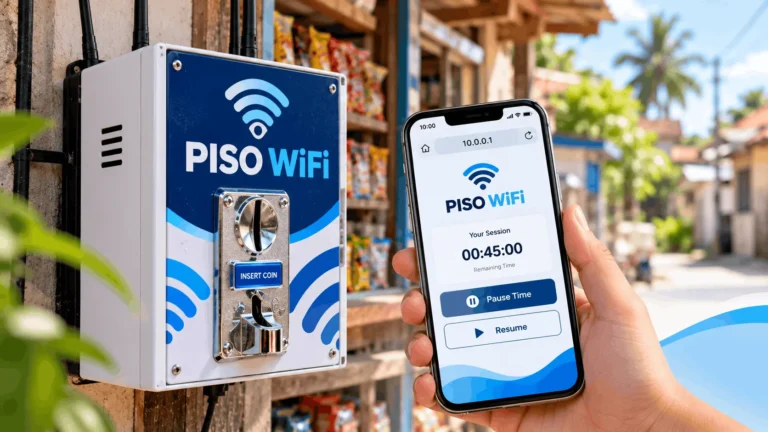
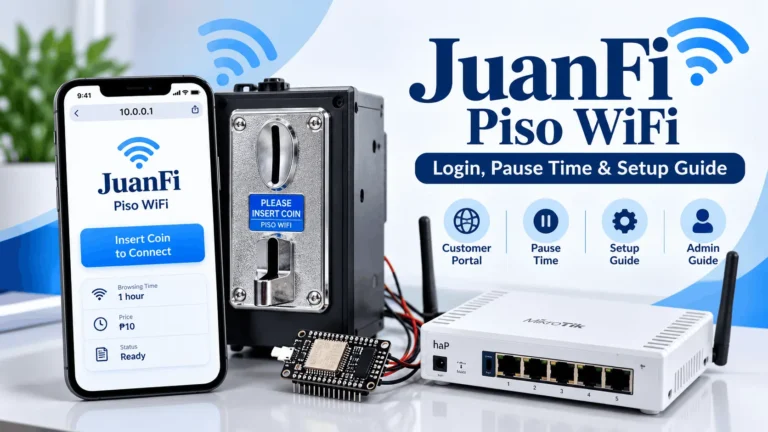
The login page for a starlink piso wifi hotspot is the customer portal of whichever hotspot platform the operator installed. It is usually reachable at http://10.0.0.1, but this is not guaranteed for every machine. The portal address can be configured by the operator and it varies by firmware.
Starlink’s own router does not have an administrator portal at 10.0.0.1. According to Starlink’s Philippine support documentation, the Starlink router’s settings are managed through the Starlink app, not through a browser-based admin page. When you type 10.0.0.1 as a customer, you are reaching the hotspot platform’s portal, not Starlink’s equipment.
How to Reach the Customer Portal
Connect to the hotspot’s WiFi network first. On Android phones the portal usually opens automatically as a pop-up after connecting. On iPhones it appears as a small notification or pop-up window. On Windows laptops it may not open automatically and you need to type http://10.0.0.1 in a browser address bar manually.
If the portal does not load at 10.0.0.1, the operator may have set a different address. Look for a sticker on the machine or ask the operator. Do not search for the address in Google because search results will not open your local network’s page.
Check which platform the portal shows. AdoPiSoft, JuanFi, and LPB each have a distinct interface. This matters before troubleshooting pause time because each platform handles pause settings differently.
Starlink Piso WiFi Pause Time: Three Controls You Need to Understand
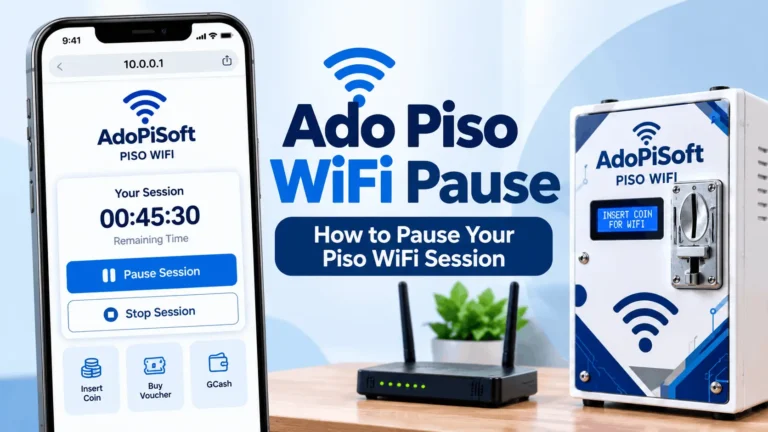
This is where starlink piso wifi creates genuine confusion that no other article explains clearly. There are three completely separate pause controls in a Starlink piso wifi setup, and they live at three different layers. Pressing the wrong one accomplishes nothing for your actual problem.
Session Pause on the Hotspot Platform
This is the pause button on the customer portal page at 10.0.0.1. It pauses the countdown of your paid session credits. If the pause button is missing on your machine, the operator controls that setting. Customers cannot enable it from the portal.
On AdoPiSoft, operators can set pause permissions, maximum pause duration, and session expiration as separate settings. This means your session can expire even while paused if the operator has set a validity period. Paying for two hours does not mean your credits are valid forever if you pause them. Check the expiry time shown on your portal before pausing and walking away.
On JuanFi, pause behavior is also operator-configured. A missing pause button does not automatically mean the feature is broken. It may mean the operator disabled it or set conditions for when it appears.
Starlink Client Pause
Starlink has a separate client-level pause feature inside the Starlink app. This is an operator tool. It lets the operator pause a specific connected device from using the internet without ending the Starlink connection itself. This has no effect on the customer’s paid session credits on the hotspot platform. It is a network management tool for the operator, not a way for customers to save their piso wifi balance.
Starlink Subscription Standby Mode
Starlink offers a Standby Mode that lets subscribers suspend their service month to month and pay a reduced fee instead of the full monthly rate. This is entirely a subscription management tool for the operator or account holder. Customers using the hotspot have no access to this and it plays no role in a paid session on the piso wifi machine.
Why this matters in practice:
When a customer asks why the pause button is missing on a starlink piso wifi machine, the answer is in the hotspot platform settings, not in Starlink’s app or account.
When an operator wants to manage data or speed for a specific device, that is the Starlink client pause. These controls do not overlap.
10.0.0.1 Starlink Piso WiFi Connected But No Internet
Paying for a session and then getting no internet is one of the most frustrating piso wifi problems and it can come from several different places in a starlink piso wifi setup. Work through the following in order.
Step 1: Can you reach the customer portal at all?
If 10.0.0.1 does not load, your device may not be connected to the hotspot network, or the portal may be at a different address. Reconnect to the WiFi network and try again.
Step 2: Is your paid session active?
Open the portal and check whether a session is running and whether you have remaining credits. If the session has expired, your credits may have run out or the operator’s validity period ended.
Step 3: Is the problem upstream from the hotspot?
If your session shows active credits but no websites load, the issue may be with the Starlink connection itself. Starlink signals can be affected by obstructions, heavy rain, or satellite capacity congestion in your area. The operator is the only person who can check the Starlink connection status through the Starlink app.
Step 4: Double NAT issue (common in Starlink setups)
In a starlink piso wifi installation, Starlink’s router sits in front of the piso wifi controller router. If the Starlink router is not set to Bypass Mode, it creates a double NAT situation that can prevent the captive portal from functioning correctly. This is a setup problem the operator needs to fix. Customers cannot resolve a double NAT issue from the portal.
Can You Use Starlink for Piso WiFi? Plan Restrictions Explained
This is the most searched legal question about starlink piso wifi and the one that gets the most vague or wrong answers online.
The Residential plan: what the evidence shows
Starlink’s Terms of Service prohibit reselling access to the service under the Residential plan. In March 2026, Philippine Star reported that Starlink had already reduced speeds for some residential subscribers in the Philippines who were identified as using their connection for piso wifi operations. This is documented enforcement, not a theoretical risk. Residential plan operators who have run without incident so far cannot assume they will continue to do so.
The Priority (business) plan
Starlink’s Priority plan is designed for business use and includes higher data tiers. Documented references from Philippine sources put entry-level Priority plans at around ₱1,950 per month for 50GB. Published terms for some markets include a community hotspot provision under certain business plans, but the complete current Philippine resale clause for Priority plan subscribers was not independently verified at the time of this writing. Before publishing or relying on this, operators should review the current plan terms directly at starlink.com/ph and request written confirmation of permitted use if resale is part of the business model.
What PLDT’s involvement means for operators
As of 2025, PLDT Enterprise became the first Philippine telco officially authorized to resell Starlink service. This is a commercial wholesale arrangement at the enterprise level and does not automatically extend permissions to individual piso wifi operators. It confirms that authorized commercial use of Starlink exists in the Philippines, but operators cannot rely on PLDT’s authorization as coverage for their own setup.
The honest summary
Using the Residential plan for a piso wifi business is a documented Terms of Service violation with confirmed enforcement in the Philippines as of March 2026. The Priority plan is the appropriate subscription to pursue. Verify current Philippine plan terms before committing. Also note that Starlink bills automatically every month regardless of usage, and cancellation must be done through your account, not by disconnecting the equipment.
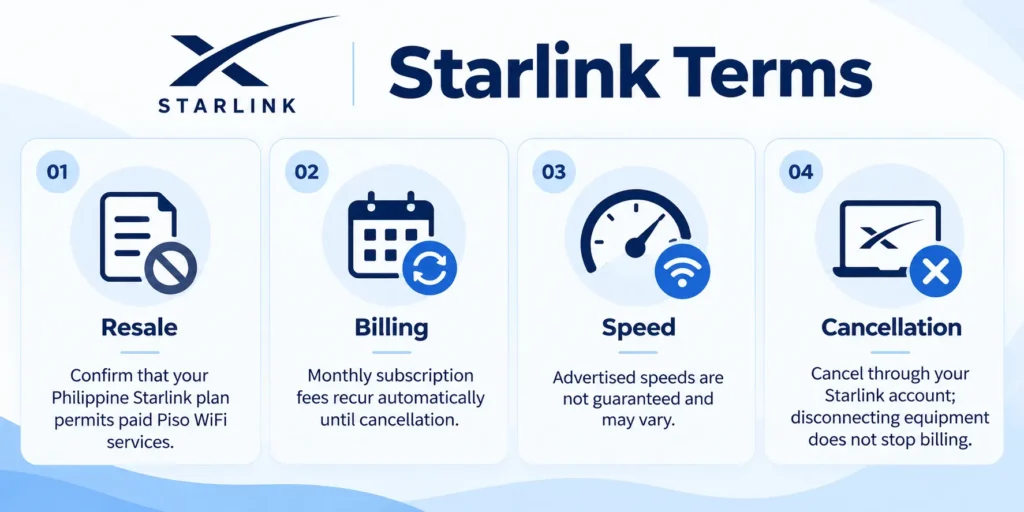
Starlink Terms of Service
Before using Starlink for a paid Piso WiFi service, check the subscription terms for your location. Pay attention to commercial resale permissions, recurring billing, speed expectations, and cancellation rules.
How to Set Up Starlink for Piso WiFi
This section is for operators. Setting up a starlink piso wifi machine has more steps than a fiber-based setup because of how Starlink’s equipment works with third-party routers.
Step 1: Check coverage
Confirm that Starlink serves your installation address. Check the map at starlink.com/ph. Urban areas in Metro Manila and some provincial capitals may have waitlists due to satellite capacity limits.
Step 2: Subscribe to the correct plan
Based on the restriction evidence above, subscribe to the Priority (business) plan, not Residential.
Step 3: Install the dish
Mount the dish with a completely clear view of the sky in all directions. Even a small obstruction from a tree branch or rooftop edge causes signal interruptions. In the Philippines, mount the dish with typhoon-grade hardware. The standard Starlink mount is not rated for super typhoon wind speeds. Operators in Central Visayas, Eastern Samar, and other high-risk corridors should use reinforced mounting or plan to bring the dish down before major storms.
Step 4: Enable Bypass Mode on the Starlink router
Bypass Mode disables the Starlink router’s IP assignment function and passes that role to your piso wifi controller router. Without Bypass Mode, the Starlink router and the piso wifi router both try to assign IP addresses and the captive portal at 10.0.0.1 will often fail to load for customers. Enable Bypass Mode in the Starlink app under advanced settings.
Step 5: Connect the routers
Run a cable from the Starlink router’s LAN port to the WAN port of your piso wifi controller router. Do not connect it to the LAN port of the controller or the network will not route correctly.
Step 6: Configure the hotspot platform
Install and configure AdoPiSoft, JuanFi, or LPB on the controller. Set your coin rates, session durations, pause settings, and portal appearance. Test every setting before going live.
Step 7: Connect and test the coin acceptor
The standard coin acceptor for Philippine piso wifi machines is the CH-926, which accepts ₱1, ₱5, and ₱10 coins. Test each denomination and confirm that the session timer starts correctly after insertion.
Step 8: Test the full customer flow
Before going live, complete a full session as a customer. Connect to the WiFi, insert a coin, reach the portal, use the internet, pause the session if enabled, and let it expire. Confirm that all behaviors match what you configured.
Starlink Piso WiFi Cost Breakdown 2026
Every item below is a separate cost. Know what you are paying for before you commit.
| Item | Low Estimate | High Estimate |
| Starlink hardware (dish, router, cables, stand) | ₱14,900 (selected areas) | ₱28,000 |
| Piso wifi DIY kit (board, coin acceptor, enclosure) | ₱6,000 | ₱9,000 |
| Piso wifi prebuilt machine | ₱15,000 | ₱30,000 |
| Starlink Priority plan (monthly, entry tier) | ₱1,950 (50GB) | Higher data tiers available |
| Business registration and permits (one-time) | ₱3,000 | ₱8,000+ depending on locality |
| Reinforced mount for typhoon risk areas | ₱1,500 | ₱5,000+ |
Total upfront with DIY kit: approximately ₱26,000 to ₱50,000
Total upfront with prebuilt machine: approximately ₱35,000 to ₱71,000
The ₱14,900 hardware figure comes from Starlink’s Philippine homepage and is listed as available in selected areas. Not all operators will qualify for this pricing. The ₱19,800 to ₱28,000 range reflects what most documented installations have actually paid.
Starlink’s Residential plan is ₱4,099 per month as of 2026, up from ₱2,700 at its Philippine launch in 2023, a 34% increase over three years. Operators who planned their business around 2023 pricing need to recalculate. The Priority plan is lower in cost at entry tiers because it is structured around data usage rather than unlimited access, so operators with high-traffic machines need to account for data overage or step up to a higher data tier.
Daily break-even calculation
An operator on the Priority plan at ₱1,950 per month needs to collect at least ₱65 per day just to cover the Starlink subscription before any other costs. Add electricity, machine depreciation, permit fees, and maintenance, and the realistic daily break-even target rises well above ₱100. Operators should track actual daily collections for at least 60 days before drawing conclusions about profitability, because month one traffic numbers rarely match steady-state performance.
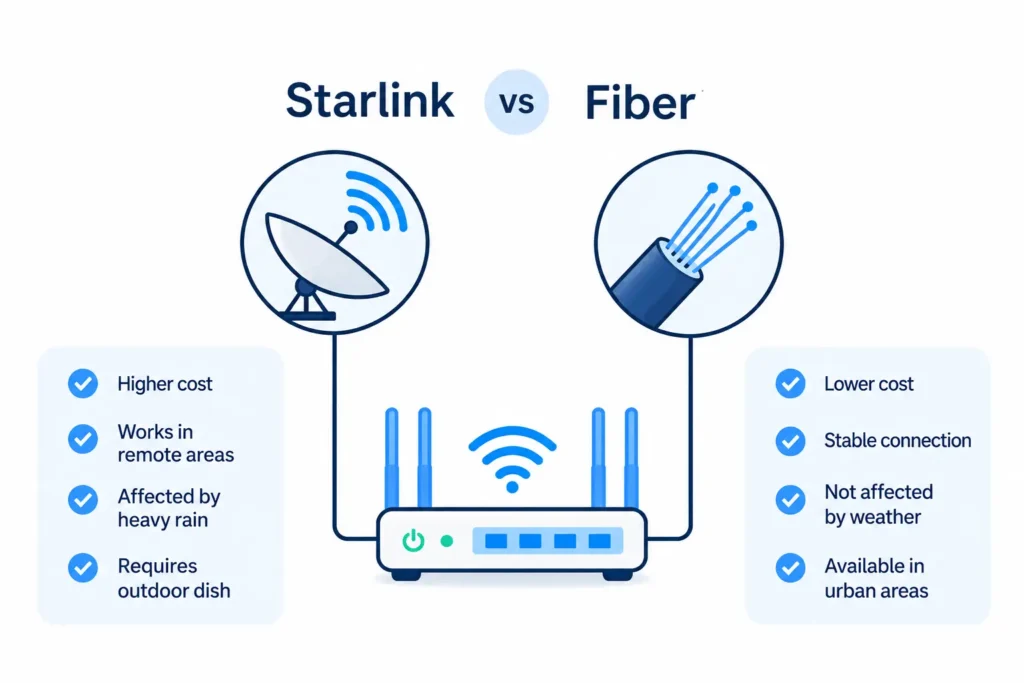
Starlink vs Fiber
Starlink costs more and carries more physical risk than fiber. The only reason to choose it is if fiber has not reached your location.
|
Factor |
Starlink |
Fiber (PLDT, Globe, Converge) |
|---|---|---|
|
Where it works |
Remote, rural, areas without fiber |
Urban and suburban coverage areas |
|
Monthly cost |
₱1,950+ (Priority plan) |
₱1,299 to ₱1,999 typical for business |
|
Setup speed |
Days to a week |
Weeks to months waiting for line installation |
|
Speed ceiling |
Up to 100 to 220 Mbps (not guaranteed) |
50 to 300 Mbps typical |
|
Weather sensitivity |
Yes (rain fade, typhoon damage risk) |
No (cabled infrastructure) |
|
Dish damage risk |
High (outdoor exposure, storm season) |
Low (indoor equipment) |
|
ToS resale risk |
Residential prohibited; Priority plan required |
Most business fiber plans allow resale |
Fiber is the lower-cost, lower-risk option everywhere it is available. Starlink makes sense specifically where no fiber provider has reached and the operator cannot wait months for a line installation. Do not choose Starlink over fiber because of speed or reliability alone. In the Philippine typhoon belt, an outdoor dish is a physical liability that fiber indoor equipment is not.
Starlink’s Philippine page explicitly states that advertised speeds are not guaranteed and can fall during congestion. Do not promise customers speeds based on the plan’s maximum figure. Real-world performance in a rural barangay on Starlink depends on how many users are sharing satellite capacity in that coverage cell at that time.
Permits Required for a Starlink Piso WiFi Business
Operating a piso wifi business using Starlink is subject to the same Philippine regulatory requirements as any internet resale operation.
Missing any of these permits exposes the operator to BIR Oplan Kandado closures, NTC enforcement, or local government sanctions. Requirements vary by locality and change over time. Verify current requirements with your LGU and the NTC before operating.
Frequently Asked Questions
What is starlink piso wifi?
Starlink piso wifi is a coin-operated or cashless WiFi vending setup where the operator uses a Starlink satellite dish as the internet source and a separate piso wifi machine to handle paid sessions and customer access. It is not an official Starlink product. Starlink provides the connection and a piso wifi platform like AdoPiSoft, JuanFi, or LPB handles everything the customer interacts with.
What is the starlink piso wifi login address?
The customer portal is usually at http://10.0.0.1, but this depends on how the operator configured the hotspot platform. It is not the Starlink router’s address. Starlink’s router does not have a browser-based admin portal; its settings are managed through the Starlink app.
Why is the pause button missing on my starlink piso wifi session?
The pause button is controlled by the hotspot platform firmware, not by Starlink. On AdoPiSoft and JuanFi, the operator sets whether the pause option is available, and some operators disable it entirely. If you have a large remaining balance, some platforms hide the pause button until the session balance drops below a configured threshold. This is an operator setting that customers cannot change.
Can credits expire while paused on a starlink piso wifi machine?
Yes. On AdoPiSoft, session expiration is a separate setting from pause permission. An operator can set a validity period on purchased credits, which means your remaining time can expire even if it is paused. Check the validity deadline shown on the portal before pausing and leaving.
Can I use starlink residential plan for piso wifi?
No. Starlink’s Terms of Service prohibit reselling access under the Residential plan. Philippine Star reported in March 2026 that Starlink had already throttled speeds for residential subscribers in the Philippines who were detected running piso wifi businesses. The appropriate plan for commercial hotspot use is the Priority (business) plan.
What plan do I need for a starlink piso wifi business?
The Priority (business) plan is the documented option for commercial internet use. Verify current Philippine resale terms directly at starlink.com/ph before subscribing, as plan terms and data tier pricing change and independent verification of the complete current Philippine Priority plan resale clause was not available at the time this page was written.
How much does starlink piso wifi cost to set up in 2026?
Starlink hardware is listed from ₱14,900 in selected areas on the Philippine homepage, with most documented installations paying ₱19,800 to ₱28,000. A DIY piso wifi kit adds ₱6,000 to ₱9,000 and a prebuilt machine adds ₱15,000 to ₱30,000. The Priority plan monthly fee starts around ₱1,950 for an entry data tier. Total upfront ranges from approximately ₱26,000 with a DIY kit to over ₱70,000 with a prebuilt machine and higher-tier hardware.
Why does my starlink piso wifi show connected but no internet?
Work through three possible causes. First check whether your paid session is active and shows remaining credits on the portal. Second check whether the hotspot platform is functioning correctly by trying to load the portal at 10.0.0.1. Third, if the session is active but no sites load, the issue may be with the Starlink connection itself, which only the operator can check through the Starlink app. A common setup-level cause is a double NAT problem from the Starlink router not being set to Bypass Mode, which the operator needs to fix.
Do I need a permit to run a starlink piso wifi business in the Philippines?
Yes. Required registrations include DTI or SEC business registration, a Barangay Business Clearance, a Mayor’s Permit, BIR Form 2303, and an NTC VAS Certificate under RA 7925. The NTC VAS Certificate is the most commonly missed requirement. Operating as an internet reseller without it can result in equipment confiscation and administrative fines.
Final Note
10.0.0.1 starlink piso wifi setup works well in areas where no fiber provider has reached, but it requires more planning than fiber-based machines. Getting the Starlink plan right, enabling Bypass Mode, understanding how pause time belongs to the hotspot platform rather than Starlink, and completing all required permits before operating are the steps that separate a stable business from one that gets throttled, shut down, or fined.
For a complete guide to the 10.0.0.1 portal and how pause time works across all piso wifi platforms, visit our piso wifi 10.0.0.1 guide.