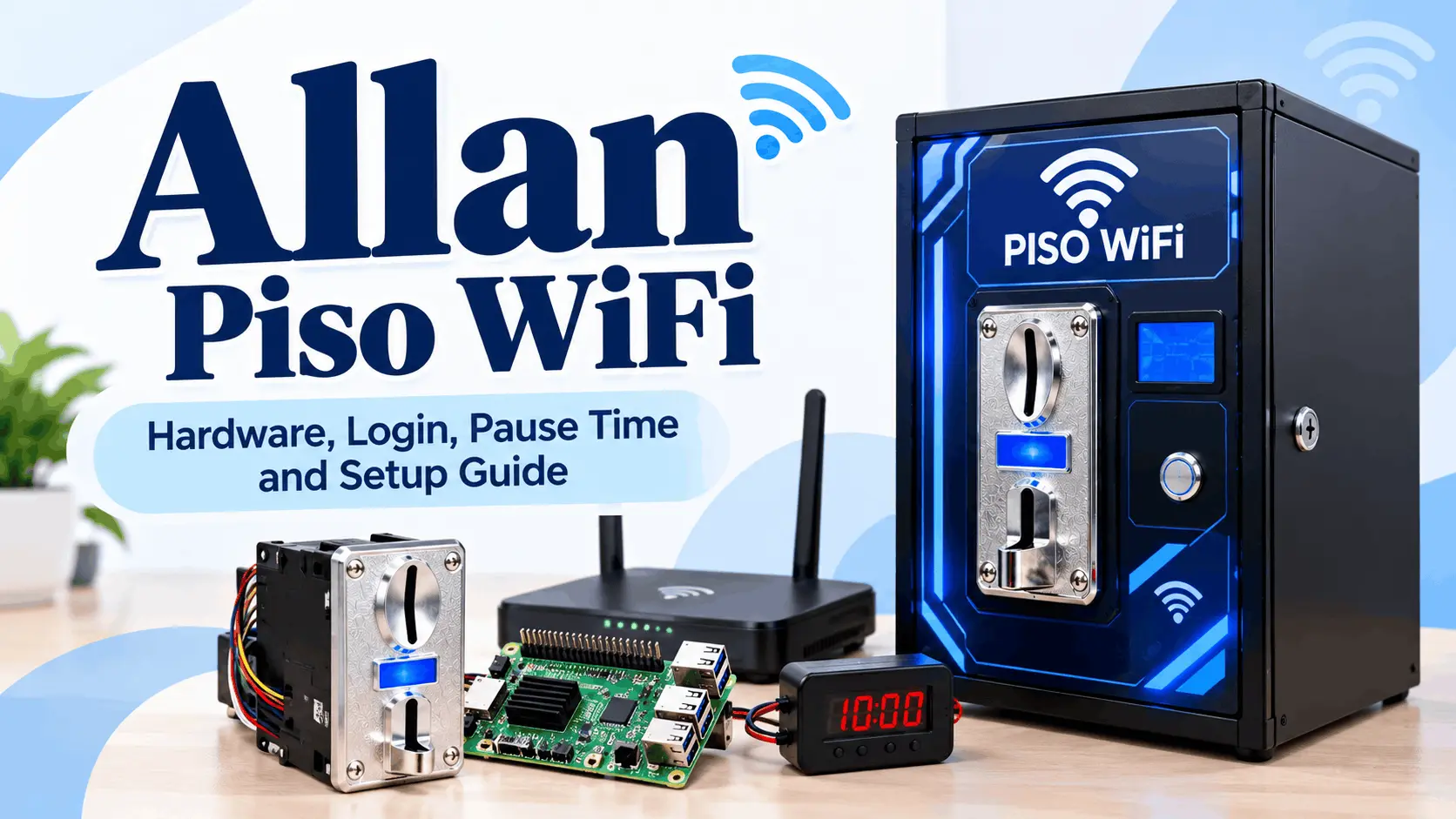
Allan Piso WiFi 10.0.0.1: Login, Pause Time, and Setup Guide
Most articles about Allan Piso WiFi treat it the same way they treat AdoPiSoft or LPB, as if it were a hotspot software platform with its own login address and pause rules. It is not. Allan is a hardware brand. Understanding that distinction is what makes everything else in this guide make sense.
This page covers what Allan Piso WiFi actually is, what their components do, how login and pause time work on machines built with Allan hardware, what a setup costs, and what to check before buying.
What Is Allan Piso WiFi?
Allan Piso WiFi is a Philippine hardware brand that makes coin acceptors, main boards, timers, enclosures, and accessories used to build piso wifi vending machines. Their products are sold on Lazada, Shopee, Carousell, and through Facebook resellers under storefronts including allantimer, ALLAN Online Store, and Allan Superstore.
Allan does not make hotspot management software. The machines built using Allan hardware typically run PisoFi OS or AdoPiSoft, which are separate software platforms. The login address, admin panel, pause time rules, and session behavior on an Allan machine are all controlled by whichever software the machine runs, not by the Allan hardware itself.
Two types of Allan products exist in the market.
- The first is individual components sold separately for DIY builders who assemble their own machines.
- The second is complete plug-and-play vendo packages assembled by resellers using Allan coin slots alongside other hardware and a licensed software platform.
If you are a customer trying to log in or pause your session on an Allan machine, what you actually need is the guide for the software that machine runs. If you are building or buying a machine, this page covers the hardware side.
Allan Piso WiFi Hardware and Components
Allan Coin Acceptors
The coin acceptor is Allan’s most widely used product. The current lineup includes the 1238A, 1239A, 1238 Pro, and 1239 Pro Max. All models are universal multi-coin selectors that accept old and new Philippine coins.
The 1239 Pro Max is the most popular model as of 2026. It includes an anti-hooking and anti-theft design that blocks known methods of triggering fake coin pulses to credit free time. This is a meaningful feature for operators in high-traffic locations where coinslot manipulation is a documented problem.
Observed price on Lazada for the 1239 Pro Max: approximately ₱300 to ₱600 depending on the seller and variant. Confirm current pricing directly on the platform before purchasing as prices vary by listing.
Allan H3 Main Board
The Allan H3 is a quad-core main board with 1GB RAM, sold as a controller board for piso wifi builds. It is offered as an alternative to Raspberry Pi or Orange Pi in some reseller configurations. One community discussion raised the question of whether the Allan H3 is firmware-compatible with Orange Pi images. This has not been confirmed through official documentation. Do not flash an Orange Pi image onto an Allan H3 board without explicit model-specific confirmation from the seller or developer.
Observed price: approximately ₱1,799 based on seller listings.
Allan 1222 Timer
The Allan 1222 is a four-digit timer component sold separately for vendo builds that require a standalone timing function. It is not a complete hotspot controller. Observed price: approximately ₱290.
Allan Piso WiFi Machine vs Coinslot Only: Which Should You Buy?
Allan products reach customers in two forms and confusing them is the most common buying mistake.
Plug-and-Play Package
A complete assembled vendo machine that includes the Allan coinslot, a main board or single-board computer, a router, enclosure, LED indicator, power adapter, and pre-installed software. The operator connects their internet source to the WAN port, powers the machine on, configures the admin panel, and the machine is ready for customers.
What is included: coinslot, main board, microSD with pre-installed OS, router or access point, vendo cabinet, power adapter, LED indicator, and basic software configuration.
What is not included: internet subscription, SIM card, receipt printer, and in some kits the access point and enclosure are also excluded. Always ask the reseller for an itemized list before paying.
Allan Coinslot
The coinslot sold as a standalone part for builders assembling their own machine. Buying the 1239 Pro Max coinslot alone means you still need a main board, storage, router, enclosure, software license, and power components. This path is cheaper if you already own compatible hardware but requires more technical assembly.
How a Typical DIY Build Works
The coinslot connects to a custom interface board such as the Antrax or Fuxion board, which connects to a single-board computer running the hotspot software. The software receives the coin signal, credits the customer’s session, and the built-in hotspot controls the customer’s internet access. A separate access point provides the customer WiFi coverage.
Allan Piso WiFi Login: How It Works
There is no Allan-specific login address or admin portal. The customer portal and admin panel on any Allan-based machine are controlled entirely by the installed software.
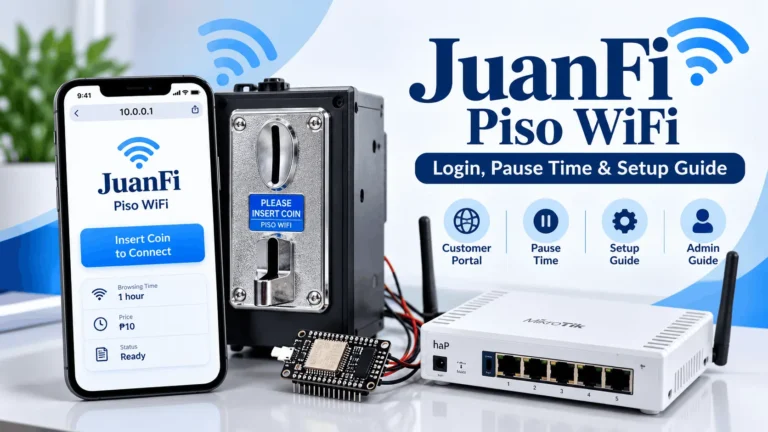
- Whether the machine runs PisoFi OS or AdoPiSoft, the customer portal is at http://10.0.0.1 and the admin panel is at http://10.0.0.1/admin.
These addresses work only when your device is connected to that machine’s WiFi network. They are not public websites and they are not owned or operated by Allan.If the portal does not load after connecting, turn off mobile data on your phone first.
There is no universal Allan piso wifi password. The credentials depend on the software version and whether the installer changed the defaults during setup. Check the sticker on the machine casing or contact the person who installed the machine.
Voucher Codes and Promo Packages on Allan Piso WiFi
Vouchers and promo packages on Allan machines are software features, not hardware features. Whether they are available depends entirely on the platform the machine runs.
On PisoFi OS, operators can enable voucher generation and create promo rate tiers with custom time, data, and pricing combinations. Customers enter a voucher code on the portal instead of inserting coins.
On AdoPiSoft, voucher generation is available through the admin panel or the remote management app, with CSV export for batch printing.
Operators who have not enabled vouchers or promo packages will not show these options on the customer portal. If your machine’s portal shows only a coin prompt with no voucher or promo field, the operator has not activated the feature.
Allan Piso WiFi Pause Time
Allan piso wifi pause time is not controlled by the Allan hardware. It is controlled by the software platform running on that machine.
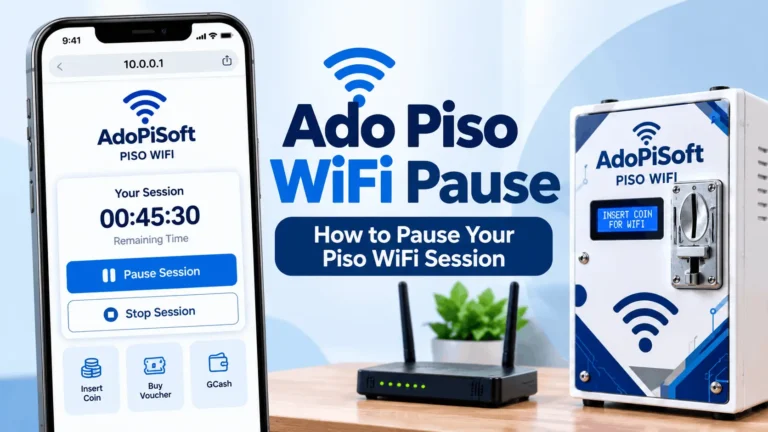
If the machine runs PisoFi OS, pause availability depends on the operator’s PisoFi configuration. If it runs AdoPiSoft, pause follows AdoPiSoft’s three separate controls: session pause permission, pause count, and session expiration. The operator configures all of these independently.
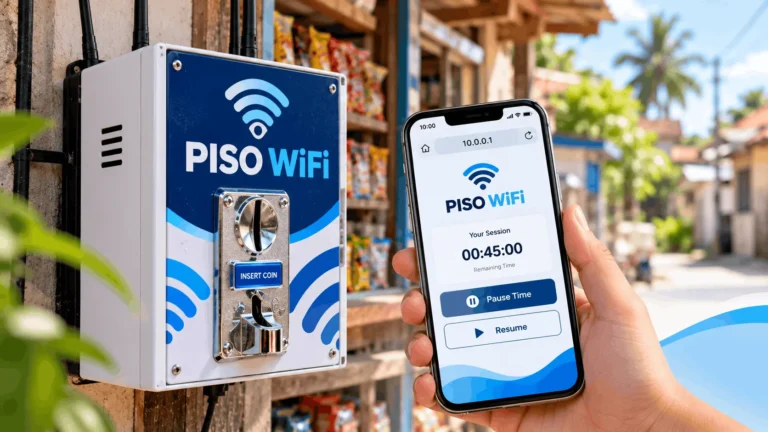
What this means for customers: if the pause button is missing on your Allan machine, the operator has not enabled it in the software settings. This is not a hardware limitation and customers cannot change it from the portal.
Pausing a session does not freeze the session indefinitely on either platform. Session expiration continues running on a separate clock from remaining time. If you pause and return after the expiration window has closed, your remaining credits will be gone even if you had time left. The length of that window depends on the operator’s software configuration.
For a complete explanation of how pause time works on the specific software your machine runs, see our AdoPiSoft guide or our LPB Piso WiFi guide.
Internet Source and SIM Card for Allan Piso WiFi
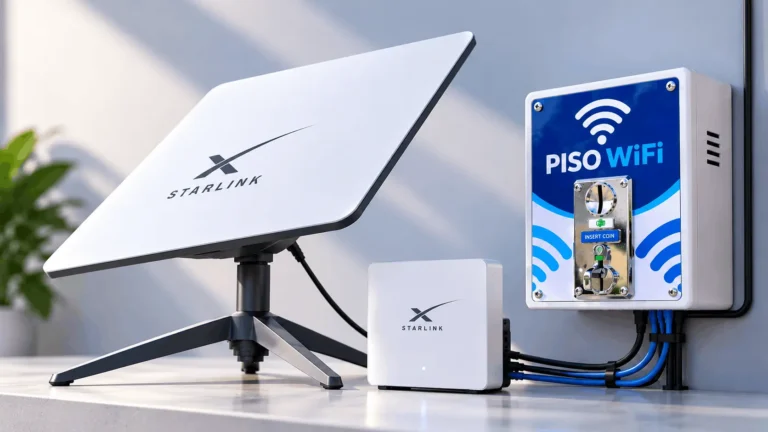
Yes. Allan hardware does not include internet service. Operators subscribe to a separate internet plan from a Philippine ISP such as Globe, PLDT, Sky, or Converge and connect it to the machine’s WAN port. The machine distributes that connection to customers and charges for access time.
The internet plan you choose directly affects the speed and number of customers you can serve. A 25 Mbps plan shared across 20 simultaneous customers provides roughly 1 Mbps per customer on average. A faster plan supports more customers at acceptable speeds.
What Type of SIM Card Is Used
Allan machines do not require a SIM card if the operator has a wired broadband connection. Operators in areas without fiber or cable internet can use an LTE or 4G SIM card with a compatible LTE router as their internet source.
Any Philippine carrier SIM that provides data service works, including Globe, Smart, DITO, and TNT. Insert the SIM into a compatible LTE router, connect that router to the vendo machine’s WAN port, and the machine uses the mobile data connection as its upstream internet.
LTE speeds vary by location and signal strength. Test the actual speed at the installation location before committing to a rate plan, since the speed customers experience cannot exceed what the SIM connection actually delivers.
Allan Piso WiFi user capacity and speed
User capacity depends on the hardware running the machine. A Raspberry Pi 4B running AdoPiSoft is documented to handle over 50 simultaneous users. Builds using lower-powered boards handle fewer simultaneous connections before performance degrades.
The number of users the software can manage is separate from the number of users the internet plan can support at acceptable speed. A machine that handles 50 connections on a 10 Mbps plan will deliver very slow speeds per customer. Match the internet plan capacity to the expected number of simultaneous users.
Speed Per Customer
The total available bandwidth from the ISP is shared across all connected customers. Operators using per-user bandwidth limits in the admin panel can cap each customer’s speed to ensure fair sharing. Without per-user limits, one heavy user can consume a disproportionate share of the connection and slow down everyone else.
Allan Piso WiFi Setup Requirements
An Allan-based machine involves multiple separate components that must all be configured to work together. Buying an Allan coinslot alone does not give you a working piso wifi machine.
A functional build requires at minimum: a coin acceptor, a main board or single-board computer, a microSD card or storage, a WiFi router or access point, a hotspot software license, power supply components, and enclosure wiring. Some reseller kits bundle most of these but exclude the enclosure and access point. Confirm exactly what each kit includes before purchasing.
The software installation, coin slot calibration, rate configuration, and network setup are separate tasks. Allan hardware does not come pre-configured. Either purchase from a reseller who provides setup assistance or follow the documentation for the specific software platform you are using.
Before connecting power to any component, verify the correct input voltage for each board. The Allan H3 and comparable single-board computers have specific voltage requirements. Do not assume that a kit’s listed power supply voltage applies directly to every individual component in the build.
After assembly, test each coin denomination before opening to customers. Confirm that credited time matches the configured rates and that the captive portal loads correctly on the customer’s device.
Factory Reset and Firmware Update
Factory Reset
A factory reset on an Allan machine resets the software configuration, not the hardware. The procedure depends on which platform the machine runs.
On PisoFi OS, the factory reset option is available in the admin panel under system settings. On AdoPiSoft, settings can be reset through the admin panel or by reflashing the operating system image onto the microSD card. Reflashing erases all settings including rates, voucher records, and sales history. Export a database backup before reflashing if the admin panel is still accessible.
If you cannot access the admin panel, remove the microSD card from the single-board computer, flash the original software image onto it using a computer, and reinsert it. This restores the machine to its initial state.
Firmware Update
Software updates on Allan machines are handled through the installed platform. PisoFi and AdoPiSoft each document their own update procedures in their respective admin panels or GitHub repositories.
Back up the current configuration before updating. Updates may require a service restart that disconnects all active customer sessions. Schedule updates during off-peak hours.
LED Light Meanings on Allan Piso WiFi
LED indicator behavior varies by build and software configuration. The following are the most commonly documented patterns across Allan-based builds.
- Solid green or blue: machine is powered on and operating normally.
- Blinking: active processing, such as a coin being registered or a session being credited.
- No light: machine is off or there is a power supply issue.
- Red or no LED after coin insertion: coin was not registered. Check the coinslot cable connection and the coin denomination settings in the admin panel.
The exact LED colors and patterns depend on the coinslot model, the main board, and how the installer wired the indicator. If the LED behavior on your machine does not match these descriptions, check with the reseller or installer for the wiring diagram specific to that build.
Receipt Printer
A receipt printer is an optional add-on for Allan vendo machines. When a customer inserts coins, the printer automatically prints a small paper slip with their voucher code or session details. This gives the customer something physical to hold in case they get disconnected and need to reconnect.
Receipt printer support is a software feature. PisoFi OS and AdoPiSoft both support thermal printers on compatible builds. The printer must be compatible with the software’s printer driver. ESC/POS thermal printers are the most commonly used type in Philippine piso wifi builds.
The printer is not included in most standard packages. Operators who want receipt functionality should confirm printer compatibility with their reseller before purchasing.
Allan Piso WiFi for Barangay Business
Piso wifi machines built with Allan hardware are a common micro-business in Philippine barangays for specific practical reasons. The per-use model requires no subscription from the customer. Residents who cannot afford a monthly internet plan can pay for access in one-peso increments. The machine operates without staff once set up.
Low startup cost relative to other small businesses, passive income potential during operating hours, and no inventory or perishable goods make it a practical option for small spaces including sari-sari stores, waiting areas, and covered outdoor locations.
Before Starting
Piso wifi businesses in the Philippines require permits. The business must be registered with the Bureau of Internal Revenue and the local government. The NTC Value Added Service certificate under RA 7925 is a commonly overlooked requirement for operators reselling internet access commercially. Operating without the NTC certificate exposes operators to regulatory risk. Confirm current permit requirements with your local government unit before launching.
The internet plan used must also permit commercial resale. Residential broadband plans from Globe and PLDT prohibit resale. A business broadband plan or the ISP’s explicitly permitted commercial tier is required.
Allan Piso WiFi Prices: Components vs Complete Machine
Buying components separately and buying a complete package are two different cost structures.
| Item | Observed Price (2026) |
| Allan 1239 Pro Max coinslot | ₱300 to ₱600 |
| Allan H3 main board (1GB) | approximately ₱1,799 |
| Allan 1222 timer | approximately ₱290 |
| Complete plug-and-play package (reseller) | ₱12,500 and up |
The component prices above are from marketplace listings and vary by seller and stock.
The complete package price is a reference point from previously advertised reseller configurations and does not account for ongoing costs including internet subscription, electricity, software licensing renewal, and maintenance.
Do not treat the coinslot price as representative of a complete machine cost. A working setup adds the main board, access point, enclosure, software license, and installation to the coinslot price.
Allan Piso WiFi Troubleshooting and Maintenance
Regular Maintenance
Clean the coin slot channel periodically. Dust and debris accumulate inside the coin path and cause detection errors or rejected valid coins. Use compressed air or a soft brush, not liquids.
Check the internet connection monthly. LTE signal strength can degrade seasonally. Wired connections can develop cable or port issues. A machine that accepts coins but delivers no internet access will generate customer complaints.
Back up the admin panel settings and sales records regularly. A recent backup reduces recovery time significantly after a hardware failure.
Monitor sales reports weekly. A sudden drop in recorded sessions can indicate a coinslot calibration issue, a power problem, or that the machine has been placed offline by the ISP.
How to Block an Abusive User
The admin panel in both PisoFi OS and AdoPiSoft allows blocking by MAC address. Find the device in the connected users or activity log, copy the MAC address, and add it to the block list. The blocked device cannot connect until removed.
MAC blocking is not permanent. Modern Android and iOS phones randomize MAC addresses by default, so a blocked user can bypass it simply by enabling MAC randomization.
The permanent fix is voucher-only mode. In this mode, customers must enter a purchased voucher code to connect. No open portal, no way in without a code. The abusive user is cut off as long as you don’t sell them a voucher.
If voucher mode is not an option, restrict connection hours to times you are present and monitoring.
Troubleshooting by Symptom
If something stops working on machine, the table below covers the most common symptoms and where to start.
| Symptom | What to Check |
| Portal at 10.0.0.1 will not load | Turn off mobile data, disconnect, reconnect, and type http://10.0.0.1 manually |
| Pause button not visible | Operator has not enabled pause in the software settings |
| Credits lost after pause | Session expiration ran out while paused. Contact the operator |
| Coin inserted but no time added | Check coinslot cable connection. Some builds block coin insertion when internet is offline |
| Machine not booting | Power supply, board connection, or storage issue. Requires physical inspection |
| Admin panel not accessible | Check which software the machine runs and use its documented admin address and credentials |
For session and credit problems, note the hotspot name, the time you paid, and what the portal showed before the issue occurred.
Frequently Asked Questions
What is Allan Piso WiFi?
Allan Piso WiFi is a Philippine hardware brand that makes coin acceptors, main boards, timers, and enclosures for piso wifi vending machines. It is not a hotspot software platform. Machines built with Allan hardware typically run PisoFi OS or AdoPiSoft.
What is the Allan Piso WiFi login address?
The login address depends on the software installed on the machine, not the Allan hardware. On most builds using PisoFi or AdoPiSoft, the customer portal is at http://10.0.0.1. Connect to the machine’s WiFi first and turn off mobile data before typing the address.
What is the Allan Piso WiFi admin password?
There is no universal Allan admin password. The credentials are set by the installed software and may have been changed by the installer. Check the sticker on the machine or contact whoever set it up.
Why is there no pause button on my Allan piso wifi?
The operator has not enabled pause in the software settings. Pause availability is controlled by the hotspot software, not the Allan hardware. Customers cannot enable it from the portal.
Does pausing an Allan piso wifi session freeze the credits permanently?
No. Session expiration continues running separately from remaining time. If you pause and the expiration window closes before you return, your remaining credits expire. This behavior is set by the operator in the software configuration.
How much does an Allan Piso WiFi machine cost?
Individual components are available separately: the 1239 Pro Max coinslot runs approximately ₱300 to ₱600 and the H3 main board approximately ₱1,799. Complete plug-and-play packages from resellers start at around ₱12,500 and up. Always get an itemized quote that lists what is and is not included.
What software does Allan Piso WiFi use?
Allan hardware does not come with its own software. Assembled machines typically use PisoFi OS or AdoPiSoft. The software determines all portal behavior including login, rates, pause time, and admin access.
Is the Allan H3 board the same as an Orange Pi?
This has not been confirmed through official documentation. Do not flash an Orange Pi image onto an Allan H3 board without explicit confirmation from the seller that the firmware is compatible with your specific board revision.
How long does ₱1 last on Allan Piso WiFi?
It depends on the rate the operator has configured. There is no standard duration across all Allan machines. One peso may equal 5 minutes, 10 minutes, or a different amount depending on the setting. Check the rate card posted on the machine or ask the operator.
Does Allan Piso WiFi require its own internet source?
Yes. Allan hardware does not include an internet subscription. Operators need their own broadband or LTE connection from an ISP such as Globe, PLDT, Sky, or Converge, connected to the machine’s WAN port.
How many users can Allan Piso WiFi handle at the same time?
A Raspberry Pi 4B running AdoPiSoft is documented to handle over 50 simultaneous users. Speed per user also depends on the operator’s internet plan. A faster plan supports more users at acceptable speeds.
Does Allan Piso WiFi come with a power adapter?
Complete plug-and-play packages typically include a power adapter. For DIY coinslot component builds, power requirements are separate for each component. Confirm with the reseller exactly what is included before purchasing.
Can Allan Piso WiFi be used for a barangay business?
Yes, but operators need a business permit, BIR registration, and an NTC Value Added Service certificate before running a commercial internet resale operation. Residential broadband plans do not allow resale. A commercial ISP plan is required.
Does Allan Piso WiFi work during a brownout?
No. When power is cut the machine shuts off. AdoPiSoft has an auto-pause feature that can be configured to protect customer credits during a power interruption. Operators who want to stay running during brownouts need an external UPS or battery backup, which is not included in standard Allan packages.
Conclusion
Allan Piso WiFi machines work exactly the way the software platform running on them works. The hardware handles coin acceptance and the physical machine, but the portal, login address, pause rules, admin credentials, and session behavior are all software decisions.
For customers using a machine built with Allan hardware, the most useful next step is identifying which software the machine runs and following that platform’s guide. For operators evaluating a build, the Allan 1239 Pro Max coinslot and H3 board are widely available components with an active reseller network, but confirm component compatibility and software licensing before purchasing.
For a complete guide to how the customer portal works and what pause time means on different platforms, see our piso wifi pause time guide.