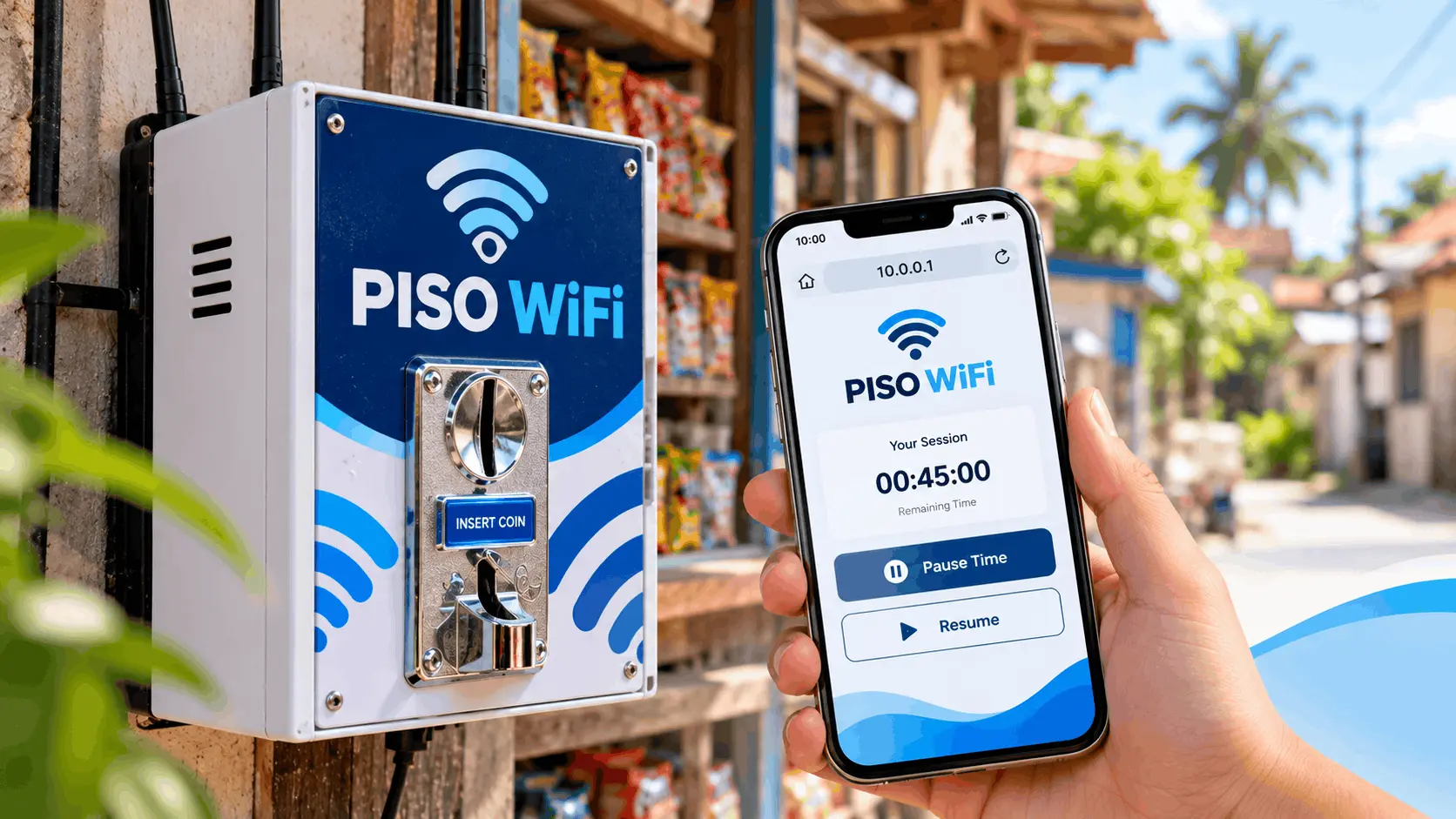
Piso WiFi Vendo 10.0.0.1: Customer and Operator Guide
If you just sat down near a piso wifi vendo and need to connect at 10.0.0.1 or pause your session, you are in the right place. If you are thinking about buying or building a piso wifi vendo as a business, this page covers that too. Both questions are answered below, starting with the customer side because most people searching for this need help right now.
How to Use a Piso WiFi Vendo as a Customer
Using a piso wifi vendo machine takes less than a minute once you know the steps.
- Turn on your phone, laptop, or tablet WiFi
- Look for the machine’s WiFi network name and connect to it. Most vendo machines broadcast an open network. The name is set by the owner, so it varies.
- Open your browser. On most phones, a portal page appears automatically.
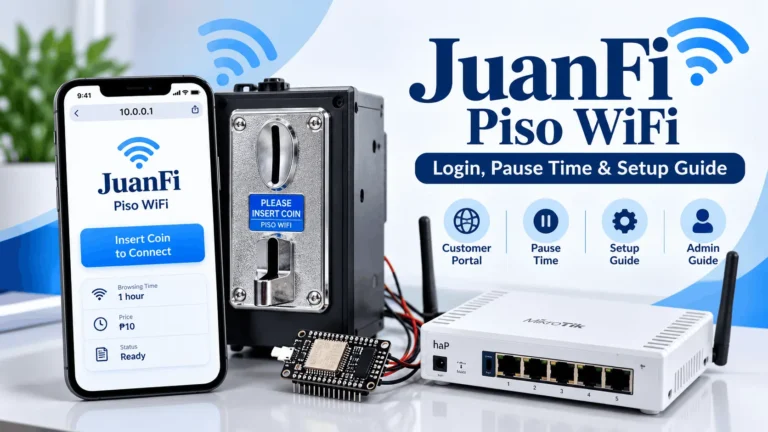
- If the portal does not appear, type 10.0.0.1 in your browser address bar and press Enter.
- Insert your coin. ₱1, ₱5, or ₱10 depending on what the machine accepts.
- Your session starts. The portal shows your remaining time.
The time you get per coin depends on what the operator set. Rates vary by location but a common setup is ₱1 for 10 minutes, ₱5 for two hours, and ₱10 for four hours.
How to Pause Time on a Piso WiFi Vendo 10.0.0.1
Pause time lets you freeze your remaining session so you do not lose your credits while you step away. The feature was built specifically for piso wifi users who cannot stay connected the whole time they paid for.
How to pause your session:
- Make sure you are connected to the vendo machine’s WiFi
- Open your browser and go to 10.0.0.1
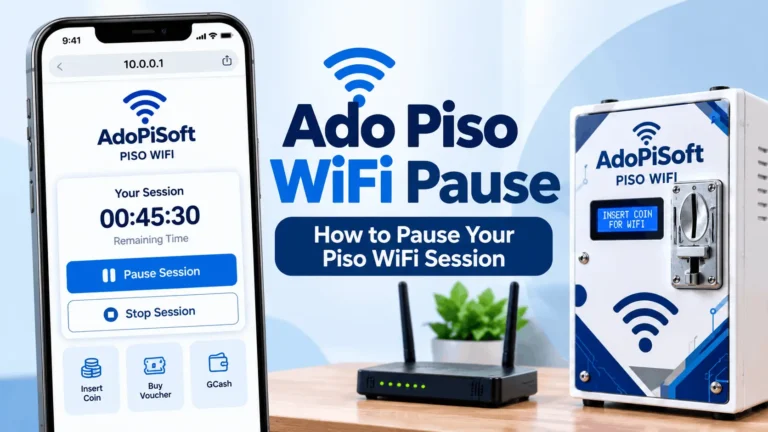
- Your remaining session time appears on the portal screen
- Press the Pause button
- Your timer stops and internet access pauses
- When you come back, open 10.0.0.1 again and press Resume. Your remaining time continues from where you left off.
One important thing: pause time must be enabled by the machine owner. Not every vendo machine has it turned on. If you open 10.0.0.1 and there is no pause button visible, the operator has not activated it on that machine. There is no workaround for this. The feature is controlled entirely from the admin side.
For a full explanation of how piso wifi pause time works, read our guide on the homepage.
10.0.0.1 Piso WiFi Vendo Login and Pause on Windows
On Windows, the piso wifi vendo portal at 10.0.0.1 does not always open automatically after you connect. Unlike a phone where the captive portal usually appears on its own, Windows often connects to the WiFi and does nothing. No portal, no page, just a connected network with no internet access. This is a known Windows behavior, not a problem with the machine.
Here is how to reach the portal and pause your session:
- Click the WiFi icon in your Windows taskbar and connect to the piso wifi vendo’s network
- Wait 10 to 15 seconds
- Open Chrome or Edge (do not use Internet Explorer)
- Click the address bar at the very top of the browser window (not the search box in the middle of the screen)
- Type 10.0.0.1 and press Enter
- The portal loads and shows your session status
- Press the Pause button to freeze your remaining time. Press Resume when you come back.
If the portal still does not load, work through the full fix list in our Piso WiFi login guide.
Parts of a Piso WiFi Vendo
Understanding what is inside the machine helps you buy or build one with confidence.
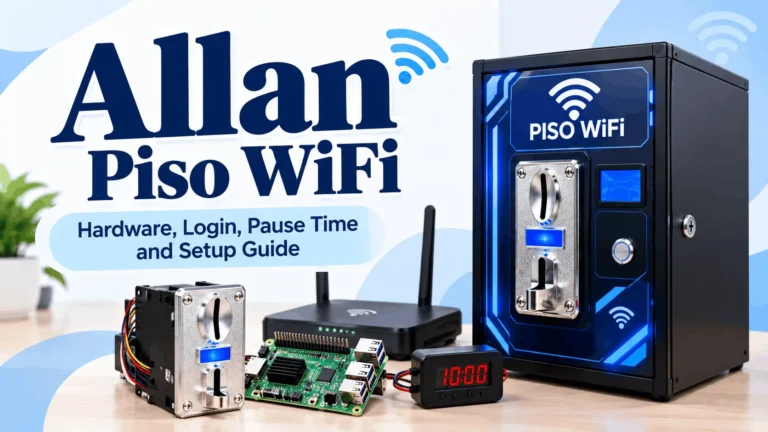
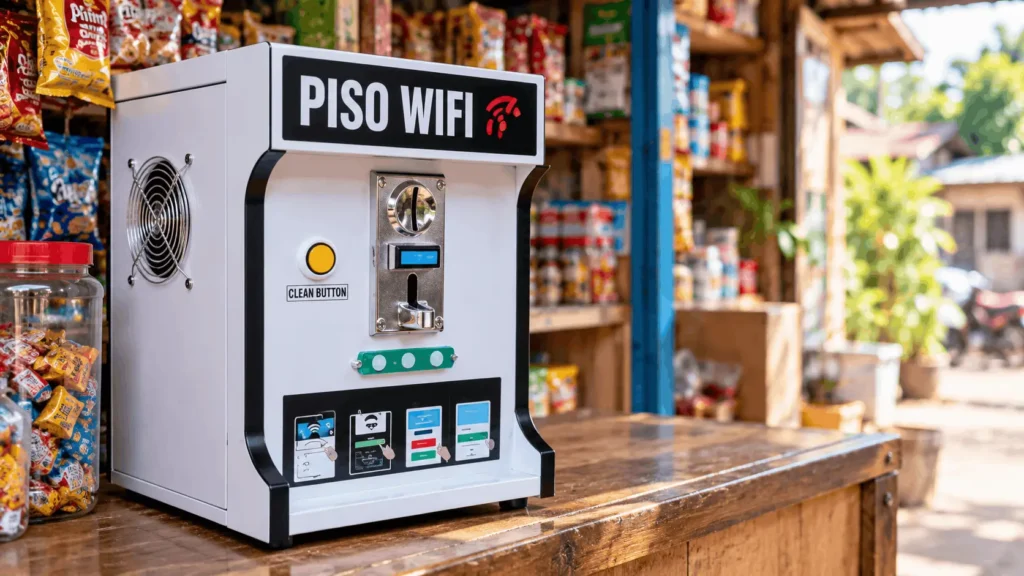
Controller board: This is the brain of the machine. It runs the piso wifi management software that handles sessions, timing, coin counting, and portal display. Common boards used in Philippine vendo machines include the Raspberry Pi 3, 4, and 5, the Orange Pi One, Orange Pi PC, Orange Pi Zero 3, and Orange Pi 5, the Newifi D2 and Newifi 3 D-2, and older Android boxes and mini PCs running compatible firmware.
Coin acceptor: The mechanical or electronic unit that reads your coins. The CH-926 multi-coin acceptor is widely used and accepts ₱1, ₱5, and ₱10 Philippine coins. When a coin is validated, it sends a pulse signal to the controller board, which then credits the session. A faulty coin acceptor is the most common reason a machine stops responding correctly to coins.
WiFi access point: The antenna that broadcasts the network your customers connect to. Some controller boards have built-in WiFi. Others are paired with a dedicated router or access point for better range.
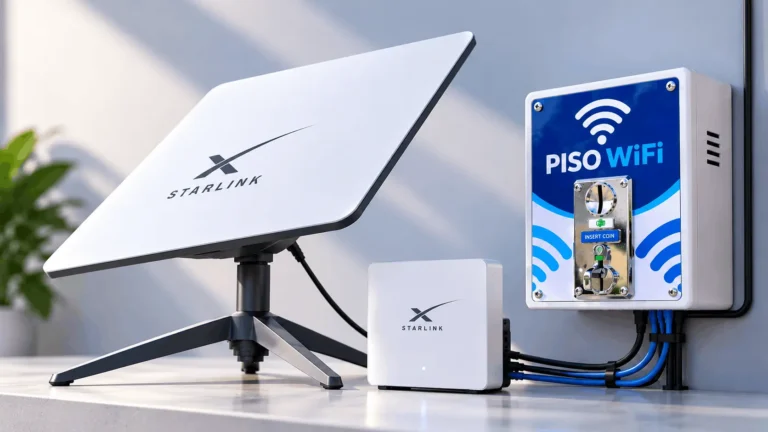
ISP connection: The broadband line that actually delivers the internet. The piso wifi machine does not generate internet on its own. It shares a connection from PLDT, Globe, Converge, Sky, or another provider. This is your biggest ongoing operating cost.
Enclosure or cabinet: The housing that protects the components and holds the coin slot. Ranges from a simple plywood box at around ₱500 to a lockable metal cabinet at ₱3,000 or more.
Power supply and UPS: The machine runs 24 hours a day. A UPS (uninterruptible power supply) protects against brief power outages and voltage fluctuations, which are common in many Philippine neighborhoods. Without one, a power interruption resets active sessions and can damage the board.
Should You Build or Buy a Piso WiFi Vendo Machine
Two options, one machine. What you pick depends on your budget, your skills, and how soon you want to go live.
| DIY Build | Prebuilt Machine | |
| Cost | ₱3,500 to ₱10,000 | ₱5,990 to ₱13,490+ |
| Setup | Requires technical knowledge | Ready to configure |
| Component control | Full | Limited to supplier build |
| Repair and upgrade | Easier, part by part | Depends on supplier support |
| Best for | Experienced builders | First-time operators |
DIY build
You source the board, coin acceptor, access point, enclosure, and cables separately, then assemble and flash the software yourself. Total cost for a basic DIY setup runs from around ₱3,500 to ₱10,000 depending on board choice and enclosure quality. You have full control over component selection and can repair or upgrade individual parts. The tradeoff is setup time and technical knowledge. If you have never flashed firmware on a single-board computer, expect a learning curve.
Prebuilt machine
You buy a ready-made unit from a supplier. It arrives assembled and usually with the software pre-installed. Entry-level prebuilt machines start at around ₱5,990 for a basic set without a screen. A touchscreen model with an access point is listed at ₱13,490 based on Philippine supplier listings.
The difference between basic and touchscreen is around ₱6,000. Spread over 12 months, that upgrade costs roughly ₱16.67 more per day to recover. It is only worth paying for if the screen actually generates more sessions.
Prebuilt does not mean ready to earn. You still need to purchase the software license separately in most cases, set up your ISP connection, configure the admin panel, and arrange your location. Confirm exactly what is and is not included with the supplier before you pay.
Software for Your Piso WiFi Vendo Machine
The software is what turns a board and a coin acceptor into a functioning piso wifi vendo. Three platforms are used on Philippine machines.
If you are still deciding between platforms, our [piso wifi homepage] breaks down all three side by side.
Best Locations for a Piso WiFi Vendo
Location is the single biggest factor in whether a piso wifi vendo earns or sits idle.
| Location Type | Examples | Why It Works |
| Waiting areas | Terminals, jeepney stops, tricycle hubs, clinics, government queues | People wait with nothing to do and reach for their phones |
| Sari-sari stores and carinderia | Neighborhood stores, food stalls | Customers sit and stay longer than a passing visitor |
| Residential clusters | Apartment buildings, boarding houses, dormitories | Residents want occasional access without a monthly plan |
| Personal care shops | Barbershops, salons, nail shops | Average wait per customer is 30 to 60 minutes |
| Near schools and universities | Outside school gates, study areas | Students need short sessions between classes |
| Night markets and food parks | Weekend markets, street food areas | High foot traffic concentrated in evening hours |
| Low signal areas | Spots with no reliable mobile data from any network | Your machine may be the only connectivity option available |
Locations to skip: quiet residential areas with no foot traffic, anywhere within 200 meters of two or more competing machines, and spots next to free WiFi from McDonald’s, 7-Eleven, or DICT access points. Free access wins by default unless your signal or uptime is noticeably better.
Before committing to any location, observe it at different times of day. Count the people who actually sit or wait there, not just pass through. That count is your real demand signal.
Cost Breakdown and Realistic Earnings
Before you set a price per session or pick a location, you need to know what the machine costs to run every day and what you can realistically expect to earn.
What it costs to operate
Using Globe Business broadband pricing and supplier hardware listings, the minimum daily gross sales needed to cover both your broadband plan and hardware recovery over 12 months are:
|
Setup |
Monthly Plan |
Daily Hurdle (Broadband Only) |
Daily Hurdle (Broadband + Hardware) |
Min. ₱5 Transactions/Day |
|---|---|---|---|---|
|
Basic machine + AP |
₱1,299 |
₱43.30 |
₱64.11 |
13 |
|
Basic machine + AP |
₱1,499 |
₱49.97 |
₱70.77 |
15 |
|
Basic machine + AP |
₱1,999 |
₱66.63 |
₱87.44 |
18 |
|
Touchscreen + AP |
₱1,299 |
₱43.30 |
₱80.77 |
17 |
|
Touchscreen + AP |
₱1,499 |
₱49.97 |
₱87.44 |
18 |
|
Touchscreen + AP |
₱1,999 |
₱66.63 |
₱104.11 |
21 |
These figures exclude electricity, site fees, maintenance, travel, permits, and taxes. Add all of those before setting your real sales target.
What it realistically earns
Earnings figures from sellers and testimonials are not reliable benchmarks. Seller-linked testimonials in the research describe ₱350 to ₱800 daily, but these are not independently verified and should not be used as expected returns.
Community forum accounts are more varied. Some operators report investment recovery in under five months. Others describe withdrawing machines from locations where competition, site fees, and ISP costs made the numbers not work. Both outcomes happen, and location is the variable that separates them.
Treat the cost hurdle calculation above as your baseline question: can this specific location reliably produce enough paid sessions per day to clear that number, with margin left over for everything excluded from the table? If yes, the location is worth testing. If not, move on.
Legal Requirements for a Piso WiFi Vendo Business
Running a piso wifi vendo business in the Philippines is legal, but it comes with registration and compliance steps that many first-time operators skip and later regret.
Business registration
DTI business name registration is required if you operate under a trade name. Fees range from ₱200 for barangay scope to ₱2,000 for national scope, plus a ₱30 documentary stamp. This establishes your legal identity but does not by itself authorize operations.
A Barangay Clearance is required first. Once you have that, you apply for a Mayor’s Permit or Business Permit from your local government unit. Both must be renewed annually.
Note on BIR: The Ease of Paying Taxes Act removed the ₱500 annual BIR registration fee, but it did not remove the obligation to register and comply with tax rules. Income from your vendo machine is taxable.
ISP terms of service
Most Philippine residential broadband plans from PLDT, Globe, and Converge prohibit commercial reselling of the connection. Running a piso wifi vendo on a residential plan is a terms of service violation. It does not carry a criminal penalty but can result in service termination. Globe Business broadband plans are available for commercial use, but you need to confirm in writing that paid public access is permitted under your specific plan. Broadband resale permission is not guaranteed simply by subscribing to a business plan.
NTC regulation
This is the area with the most uncertainty. The Konektadong Pinoy Act and NTC Memorandum Circular No. 002-02-2026 establish a framework for Data Transmission Industry Participants, including last-mile providers. A simplified Green Lane exists for qualifying micro and community-based operators in rural, underserved, or unserved areas.
How these rules apply to a single coin-operated hotspot depends on how your operation is classified. Academic commentary has characterized the model as informal and requiring no registration, but that should not be treated as current legal guidance. Respicio.ph and Philippine law firm commentary confirm the regulatory picture is not settled for small single-machine operators.
Do not assume that the machine seller’s own NTC permit or registration covers you as the operator. A commentary on NTC circular 002-02-2026 explicitly warns against the umbrella system where one operator relies on another’s registration to cover their own operation.
Verify your classification directly with your NTC regional office before operating commercially.
Risks to Know Before You Invest in a Piso WiFi Vendo
The piso wifi vendo business can work, but these are the risks that have pulled machines out of service or made locations unprofitable.
| Risk | Why It Matters | What to Do |
| Saturation | Competing machines split the local customer base | Map competitors before committing to any site |
| Promotional earnings claims | Seller figures are not audited or verified | Ask for actual sales logs and full expense records |
| Regulatory uncertainty | NTC classification for small operators is not yet settled | Confirm your obligations with your NTC regional office before operating |
| Umbrella permit arrangements | The seller’s NTC permit does not cover you as the buyer | Register and obtain permits under your own name |
| Session takeover and cloned hotspots | Reduces paid revenue and damages customer trust | Ask your supplier about firmware updates, client isolation, and session protection |
| Power and weather interruptions | Stops sellable time and can damage hardware | Use a UPS and a weather-resistant enclosure |
| Free WiFi alternatives | DICT and commercial free WiFi compete directly for the same users | Place your machine only where you offer clearly better signal or uptime |
FAQs About Piso WiFi Vendo
Conclusion
If you are using a piso wifi vendo as a customer, you now know how to reach the portal at 10.0.0.1, how to pause and resume your session, and how to fix the most common loading problems on Windows.
If you are considering starting a piso wifi vendo 10.0.0.1 business, the model can work but it is a location business, not passive income. Your daily cost hurdle before profit starts at around ₱64 and goes up from there depending on hardware and broadband choice. Location, competition, and compliance determine whether the numbers work. Run the math on your specific setup, test one location before you scale, and confirm your regulatory obligations with NTC before you start collecting coins.